
Ach, der Sommer! Für mich gibt es nichts Schöneres, als an einem warmen Tag mit Freunden im Garten zu sitzen und die angenehmen Abende zu genießen. Da darf dieser schnelle Pesto-Nudelsalat nie fehlen. Ich erinnere mich noch, wie ich ihn zum ersten Mal für den spontanen Grillabend ausprobiert habe. In nur 15 Minuten war er fertig und der frische Geschmack von Tomaten und Mozzarella in Kombination mit der feinen Würze des Pestos hat alle begeistert.
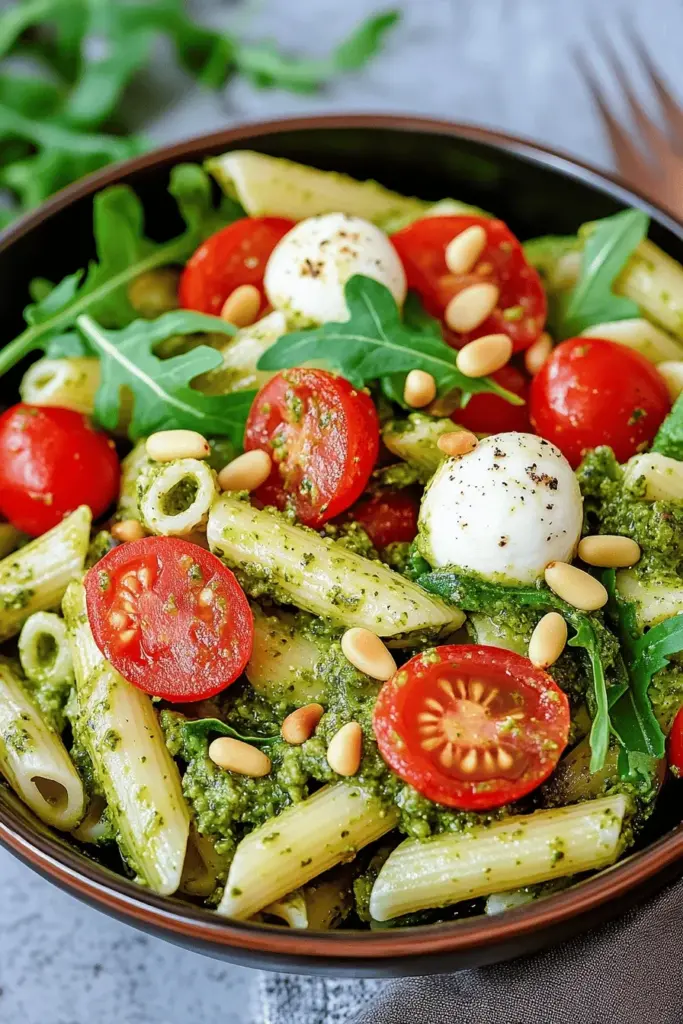
Besonders das Knacken der gerösteten Pinienkerne gibt dem Salat den gewissen Biss. Die Leichtigkeit des Rezepts macht es zu einem echten Klassiker auf meinen Sommerpartys!
Darum ist dieses Rezept so beliebt
Der Pesto-Nudelsalat hat sich aus mehreren guten Gründen in die Herzen vieler geschlichen. Erstens ist sein Rezept so einfach, dass es sogar nach einem anstrengenden Tag keine Mühe macht – nur 15 Minuten und sechs Zutaten trennen dich vom Genuss. Er ist unglaublich vielseitig und lässt sich sowohl als Hauptgericht bei einem gemütlichen Abendessen als auch als Beilage beim Grillen servieren.
Was ihn besonders beliebt macht, sind die frischen Zutaten, die zusammen eine Geschmacksexplosion ergeben: würziger Rucola, saftige Tomaten und cremiger Mozzarella. Und das Beste daran? Die Zutaten können fast endlos variiert werden. Mal keine Pinienkerne zur Hand? Walnüsse passen ebenso gut. Du kannst sogar die Art des Pestos nach Belieben wechseln – ein rotes Pesto bringt eine komplett neue Geschmacksnote rein.
Ein weiterer Vorteil gegenüber gekauften Produkten ist die Kontrolle über die Frische und Qualität der Zutaten. Außerdem bringt der bunte Mix aus den Zutaten einen wunderbaren Farbtupfer auf jeden Tisch und ist visuell ein echter Hingucker. Wenn du Lust auf noch mehr kreative Salatideen hast, schau doch mal bei diesem Nudelsalat mit Bohnen, Tomaten und Walnüssen vorbei!
Zutaten für den Pesto-Nudelsalat
Für einen fantastischen Pesto-Nudelsalat braucht es nur wenige ausgewählte Zutaten, die perfekt harmonieren und den Salat in einen Genuss verwandeln, der sich schnell zubereiten lässt. Die Harmonisierung der Inhaltsstoffe macht diesen Salat nicht nur schmackhaft, sondern auch vielseitig anpassbar. Hier ist meine bewährte Zutatenliste:
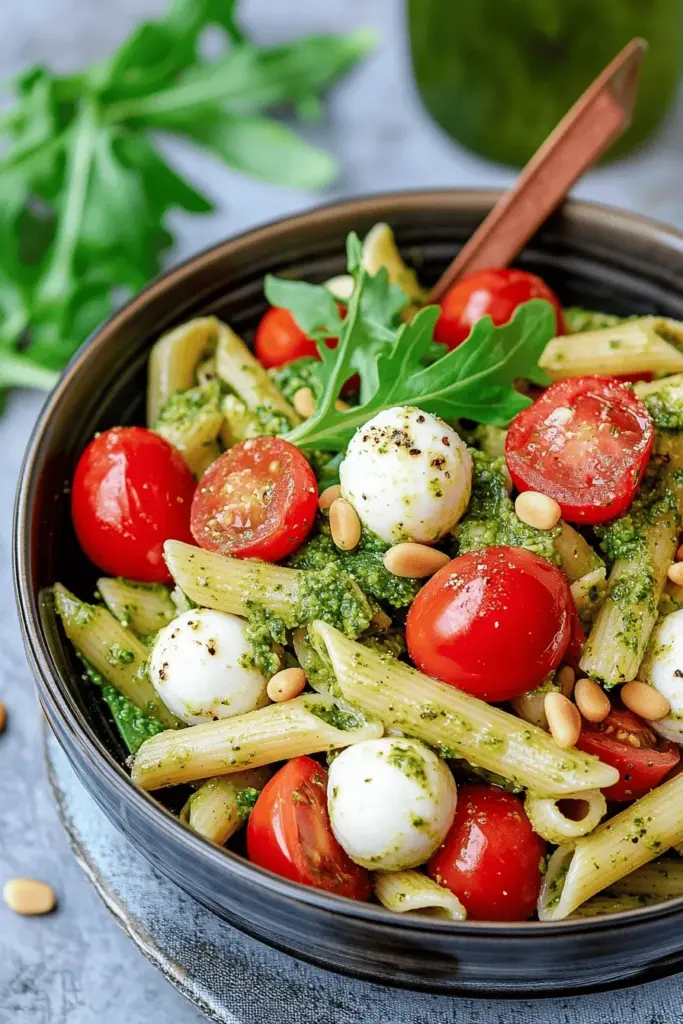
- Nudeln: Die Basis des Salats. Ich liebe kurze Nudeln wie Penne, denn sie nehmen das Pesto besonders gut auf. Doch lass dich nicht einschränken, auch Fusilli oder Rigatoni passen wunderbar. Denk daran: Pro 100 g Nudeln benötigst du etwa 1 Liter Wasser zum Kochen – das sorgt dafür, dass die Nudeln nicht kleben.
- Tomaten: Diese sorgen für die fruchtige Frische in deinem Salat. Kleine Cherry-Tomaten sind ideal, da sie süß sind und ein schönes Aroma haben. Solltest du keine zur Hand haben, dann könntest du getrocknete Tomaten nehmen oder für mehr Farbe und Knackigkeit Paprika verwenden.
- Mozzarella: Die kleinen Mozzarella-Kugeln sind nicht nur praktisch, sondern auch optisch ein Highlight. Sie bieten eine milde Cremigkeit, die den Pesto-Geschmack hervorragend ergänzt. Falls kein Mozzarella da ist, geht auch geriebener Parmesan – der bringt eine andere, würzige Note ein.
- Rucola: Sein würziger, leicht nussiger Geschmack bringt Frische und Würze. Er lässt sich durch Basilikum oder einen Mix aus Rucola und Feldsalat ersetzen, wenn du mal etwas Abwechslung brauchst.
- Pinienkerne: Kaum etwas passt besser zu Pesto als Pinienkerne – sie verstärken den nussigen Geschmack. Wenn du keine findest, kannst du Walnüsse oder Cashewkerne nehmen. Mein Tipp: Röstet die Kerne in einer trockenen Pfanne, um das Aroma voll zu entfalten.
- Pesto: Ein Schlüsselspieler in unserem Salat! Grünes Pesto Genovese ist mein Favorit, aber Pesto Rosso oder selbstgemachtes Bärlauch-Pesto verleiht dem Salat eine ganz neue Geschmacksrichtung.
Schritt-für-Schritt-Anleitung
Im Handumdrehen steht dein Pesto-Nudelsalat auf dem Tisch und ist bereit, all den Hungerigen ein Lächeln ins Gesicht zu zaubern. Folge diesen einfachen Schritten:
- Nudeln kochen: Koche die Nudeln gemäß der Packungsanleitung in reichlich gesalzenem Wasser – mein Tipp: Abschmecken nicht vergessen! Sobald sie al dente sind, gleich abgießen und abkühlen lassen.
- Tomaten vorbereiten: Während die Nudeln kochen, halbierst du die Tomaten fix. So werden sie besonders saftig im Salat. Je kleiner die Tomate, desto intensiver die Geschmacksexplosion im Mund!
- Rucola waschen: Der Rucola muss gut gewaschen werden – am besten in kaltem Wasser, damit er schön knackig bleibt. Gut abtropfen lassen, damit der Salat nicht wässrig wird.
- Pinienkerne rösten: Röste die Pinienkerne in einer fettfreien Pfanne, bis sie goldgelb sind. Das verstärkt das nussige Aroma und gibt dem Salat den nötigen Crunch.
- Zusammenfügen: Gib die Nudeln, Tomaten, Mozzarella, Rucola und Pinienkerne in eine Schüssel. Nimm dein Pesto zur Hand und hebe es vorsichtig unter. Fertig!
Und voilà! Dein Pesto-Nudelsalat ist bereit, um verzehrt zu werden. Mein Tipp: Wenn du ihn vorbereiten möchtest, gib den Rucola erst unmittelbar vor dem Servieren dazu, so bleibt er schön frisch. Und wie immer: Probiere immer mal wieder beim Zubereiten – so garantierst du das perfekte Geschmackserlebnis.
Ich wünsche dir mit dem Pesto-Nudelsalat viel Freude und einen guten Appetit!
Erfahre auch, wie du italienischen Spargelsalat oder einen erfrischenden Pfirsich-Caprese-Salat zubereiten kannst. Wenn du Lust auf eine andere Art von Nudelsalat hast, probiere doch mal den asiatischen Nudelsalat mit Mie-Nudeln aus!
Tipps zur Zubereitung
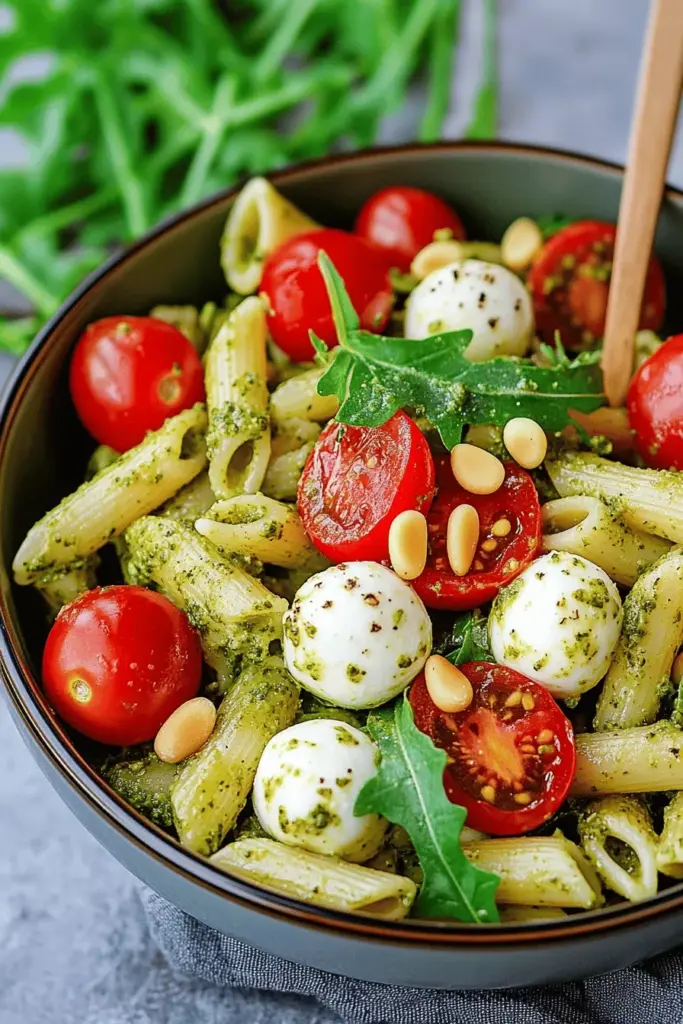
Mein Pesto-Nudelsalat ist so einfach und schnell gemacht, aber es gibt ein paar Tipps, die dir helfen, ihn perfekt abzurunden. Ein wesentlicher Punkt bei der Zubereitung ist die richtige Konsistenz der Nudeln. Koche sie al dente, damit sie nicht matschig werden, sobald du Pesto unterhebst.
Mein Tipp: Nach dem Abgießen die Nudeln kurz mit kaltem Wasser abschrecken und gut abtropfen lassen – so kleben sie nicht zusammen.
Ein weiterer wichtiger Schritt ist das Rösten der Pinienkerne. In meiner Erfahrung entfaltet sich ihr volles Aroma erst durch das fettfreie Rösten in der Pfanne. Bleib am besten dabei, damit sie dir nicht verbrennen.
Zur Lagerung: Du kannst den Salat prima am Vortag vorbereiten. Damit der Rucola schön frisch bleibt, mische ihn erst kurz vor dem Servieren unter. Der Salat hält sich im Kühlschrank etwa zwei Tage.
Für die perfekte Präsentation ist es schön, ihn in einer Glasschüssel anzurichten, wo die Farben so richtig zur Geltung kommen. Ganz einfach und absolut beeindruckend!
FAQs und abschließende Gedanken
FAQ Section
Welche Nudeln eignen sich am besten für den Salat? Die Wahl der Nudeln ist gar nicht so schwer – kurze Nudeln wie Penne oder Fusilli nehmen das Pesto gut auf. Für etwas Abwechslung kannst du auch mal Spaghetti ausprobieren, was dem Gericht eine interessante Note verleiht.
Kann ich das Pesto selbst machen? Natürlich! Ein selbstgemachtes Pesto ist immer fantastisch. Probiere zum Beispiel ein Bärlauch-Pesto für eine ganz eigene Variante – das bringt eine würzige Frische rein.
Was passt gut zu diesem Salat? Der Pesto-Nudelsalat macht sich wunderbar zu Gegrilltem. Und wenn du es Low-Carb halten möchtest, schau mal bei meinen gefüllten Pizza-Paprika oder dem Low-Carb-Cheeseburger-Salat vorbei – das sind perfekte Begleiter!
Abschließende Gedanken
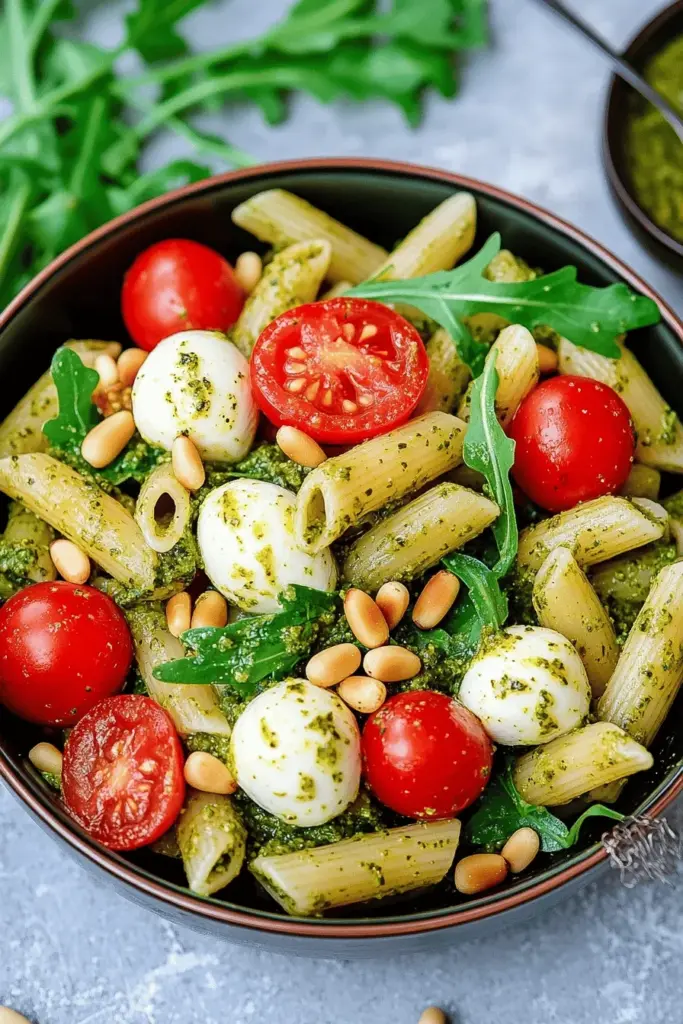
Ich hoffe, du probierst diesen köstlichen Pesto-Nudelsalat bald aus! Er ist nicht nur schnell und einfach zuzubereiten, sondern bringt auch frischen Wind auf jedes Buffet. Was meinst du? Ich würde mich riesig über dein Feedback freuen. Vielleicht hast du ja auch eine magische Kombination gefunden, die du mit uns teilen möchtest? Ich liebe es, von deinen Ideen zu hören und wünsche dir viel Spaß beim Ausprobieren!
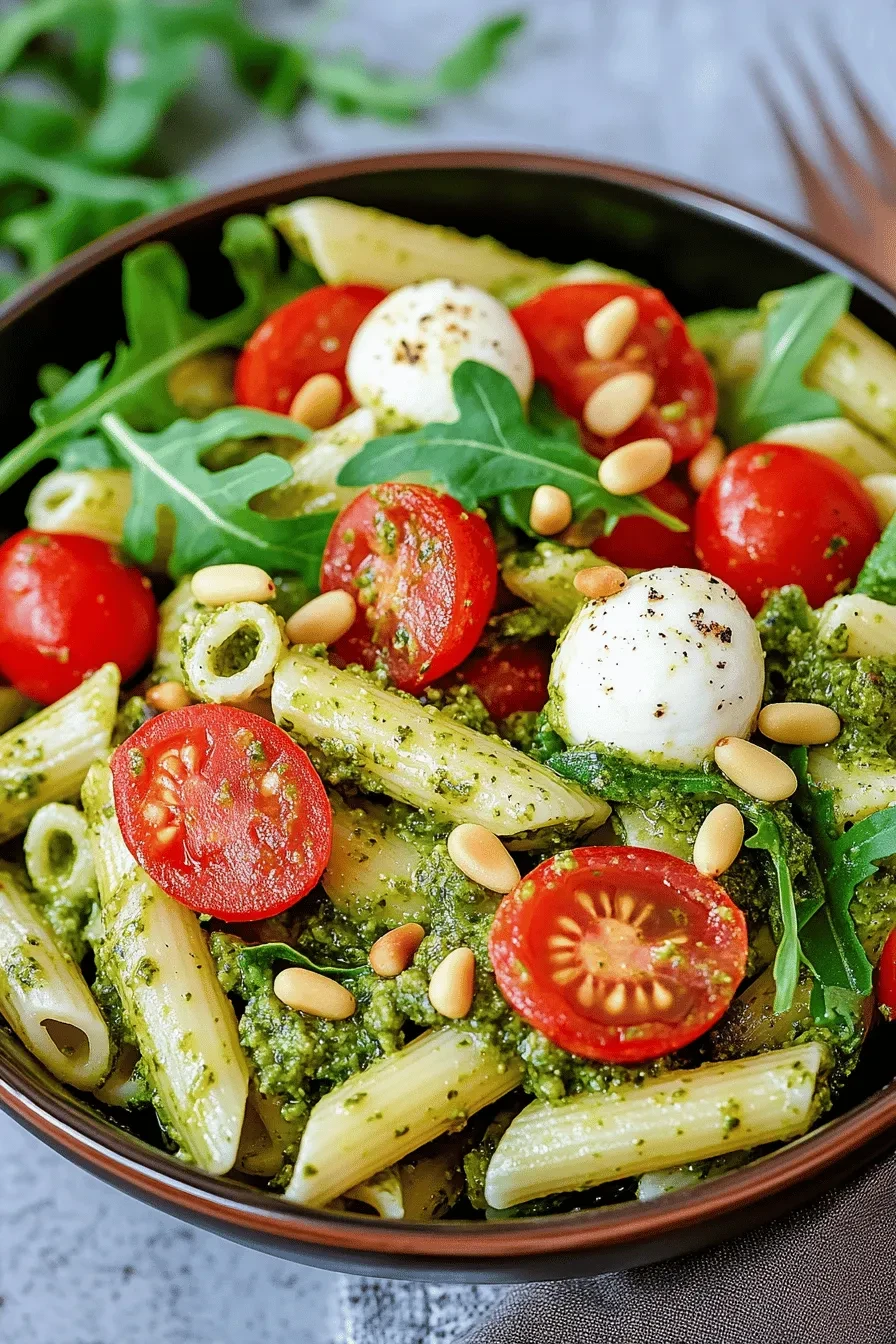
Nudelsalat mit Pesto
Equipment
- 1 Pfanne klein, zum Rösten der Pinienkerne
- 1 Schüssel groß, zum Vermengen der Zutaten
Ingredients
- 300 g Nudeln
- 200 g kleine Tomaten halbiert
- 100 g Rucola gewaschen
- 20 g Pinienkerne fettfrei geröstet
- 100 g grünes Pesto
- 125 g Mozzarella-Kugeln
Instructions
- Nudeln nach Packungsangabe zubereiten.
- Tomaten halbieren und Rucola waschen.
- Pinienkerne in einer kleinen Pfanne fettfrei rösten.
- Nudeln, Tomaten, Rucola, Pinienkerne und Mozzarella in eine Schüssel geben und mit grünem Pesto vermengen.
Leave a Reply